
Download Come Apk on Android — PWA guidance and APK safety checks.
Download the Come APK Android game 1.0.2 for Android 7.0+. For iPhone and iPad, open this guide in Safari; there is no verified iOS installer. The computer downloads are listed separately by operating system and processor.
Come APK game package · 1.0.2
Save as come.apk · Android 7.0+ · 5.24 MB (52,38,435 bytes) · Package ID com.khtybugazu109.com
File SHA-256
49b56d4eb19bac86360063b77f270629129c4abdd9e866226093de286b324b2dThe download should match this record exactly. If the byte count or hash differs after the download finishes, do not open it. A match identifies the published file; it does not verify the signer’s identity or establish that the file is safe to run.
3.11.0 site wrapper unavailable. Its published details did not match the file served, so its download and checksum are paused for review. The Android game APK is a separate file. For the site itself, continue in your browser.
Choose the right Come Apk access method
Use this page as the platform selector. The Come Apk app guide explains which web options your device offers, while the Come Apk installation guide explains the device steps. Check the previous Come Apk versions before replacing an older installation.
On a computer, use the Come Apk PC download guide to choose Windows or macOS files from the installer list, or use browser access on Linux. For questions after setup, the Come Apk FAQ covers teams, accounts, and payments.
Android APK or PWA
Compare the current package details, checksum, and browser installation option.
Open Android guide →iPhone and iPad
Open this site in Safari or add a Home Screen shortcut. This site has no verified iOS installer.
See iOS steps →Windows and macOS
Select your architecture and verify the filename and SHA-256 before opening an installer.
Open desktop guide →Match the download to the result you want
- Save the Android game
- The Download APK button serves the game in the release record above. If a file instead claims to be a site wrapper or a Dream11 package, it does not match this record.
- Return to this guide on a phone
- Open this website directly. The phone shortcut walkthrough covers the browser menu on Android and Safari on Apple devices. You will not get an iOS profile or Android game from that menu.
- Use the site on a computer
- Check the computer installer list by operating system and processor, or stay in the browser if nothing matches.
Check the exact Android game file before opening it
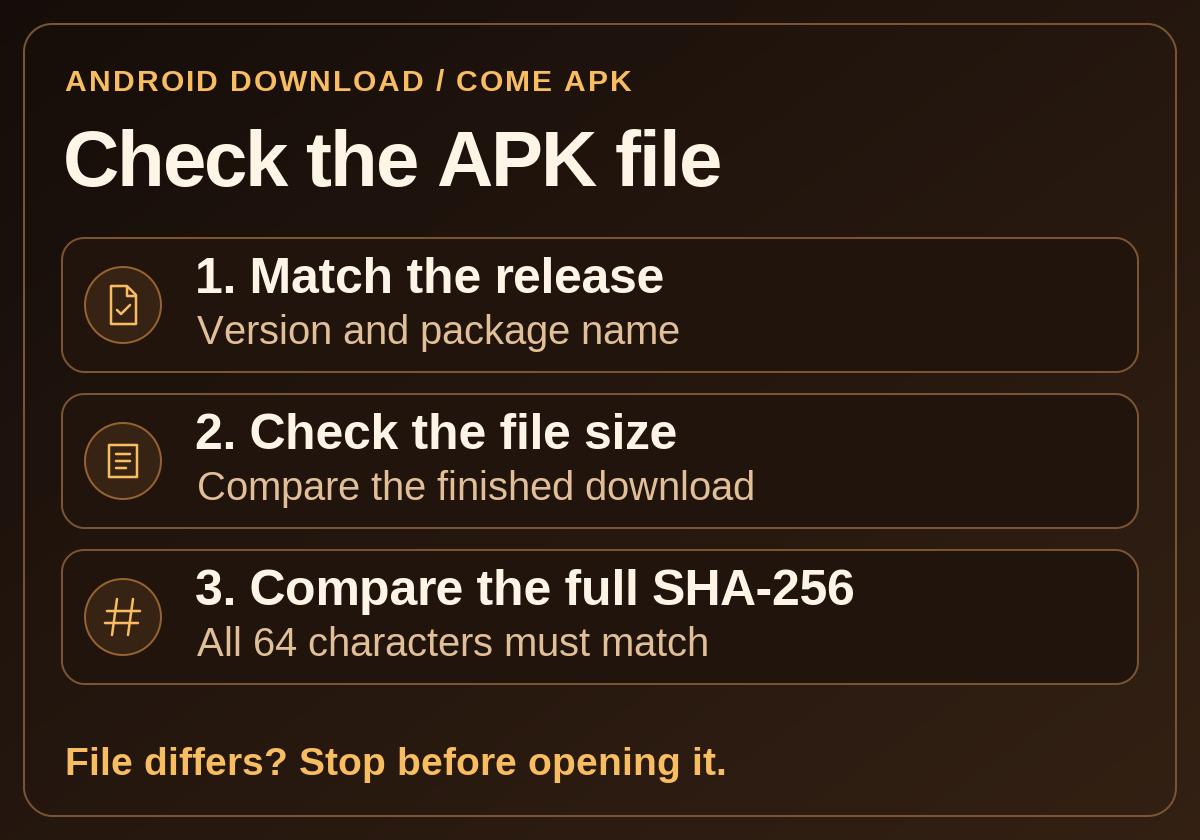
Let the download finish. Compare the exact byte count and all 64 characters of the SHA-256 above. A filename alone is easy to copy; a matching SHA-256 tells you the bytes are the same as the record for this release.
On Windows, open Command Prompt in the folder containing the file. On a Mac, open Terminal there. If your browser renamed the download, use the saved filename in the command.
certutil -hashfile "come.apk" SHA256
shasum -a 256 "come.apk"
If you saved two copies, check which path the command read. A browser may append “(1)” to the second filename; matching byte counts do not settle which one matches. Compare all 64 characters for the exact copy you will use. A hash for yesterday’s file cannot validate a refreshed or different package.
If the checksum differs, stop before installing. If you were trying to update an installed app, compare its package ID and signing certificate as well. A matching checksum does not identify the publisher of an earlier installation or establish that a file is safe to run.
Do not enter a password, bank details or one-time code into an installer. Use the Come Apk verification checklist if a link, permission prompt or publisher looks unfamiliar.
Finish a download without confusing the file with account access
For the Android game, a completed download means you have the exact 1.0.2 file in your Downloads folder, with 52,38,435 bytes and the SHA-256 shown above. The Download APK action is sufficient to get that file; it does not require opening the partner service or creating an account.
- If the browser did not finish. Open its Downloads list and check whether the transfer is pending, cancelled, or completed. For a failed transfer, check storage and reconnect on a stable network. Start from the same file record again once you have settled the first transfer. A temporary partial download and a completed file with a matching name are different items.
- If the file is complete and matches. On Android 7.0+ with enough additional space, open that copy through your browser or Files and read the Android installation prompt. Review any source-specific install permission, leave Play Protect enabled, then check the installed version. If you meant to update an app and Android reports a conflict, keep the current installation and compare its package and signing history before acting.
- If you only need the site. Keep this page open in your browser or save it from the browser menu. On an iPhone or iPad, open Safari’s Share menu and choose Add to Home Screen if shown. On a computer the website is usable in a browser without downloading the Android package. Only choose a desktop installer when the listed system, architecture and release match your computer.
For example, if a browser saved a file with the expected name but the hash differs, you have not verified a copy of this release. Retain the reported byte count and the response time for support. A successful file check establishes what was downloaded; a separate publisher check determines what you are willing to install.
Questions about downloading Come Apk
Use the file details above to check the Android game. Choose browser access or the PC guide if you are using another device.
Which file does Download APK serve?
It serves the Android game in the current release record on this page. Match the exact filename, version, byte count and full SHA-256. The old website wrapper has a different record and is withdrawn.
Can I install the Android file on an iPhone or iPad?
No. Open the guide in Safari. Add it to the Home Screen if Safari offers the option. This site does not list a verified native iOS installer or configuration profile.
What should I do if my file hash differs?
Do not open the installer. Check which local file the command read: a repeated download may get a new name. Check the exact byte count and hash again against the record for that release.
Can I establish a publisher from the SHA-256 alone?
No. A matching hash identifies the listed bytes. Compare the signing identity with a trusted publisher record before treating an installer as an update or official release.
Is this game listed on Google Play in India?
The public Google Play URL for the exact game package returned 404 with the India parameter when checked on 22 November 2026. That does not establish why, or which listings another account can see. Do not use a similar store name as proof that it is the same file.
Where can I find a computer version?
Check the PC page for Windows or macOS files that match your processor and the exact listed checksum. Linux users can open the guide in a browser.
Will a shortcut keep showing the guide offline?
Previously loaded pages may still open, depending on the browser. Reconnect and check the current file record before using a cached download link.
How much space does the website shortcut use?
The browser manages the cached data, so space varies. The Android game file has a separate byte count in its release record.
Installed? Now just review the account steps before using the service. For previous versions, see the version archive. Questions about the app origin? See the official-domain checklist.